
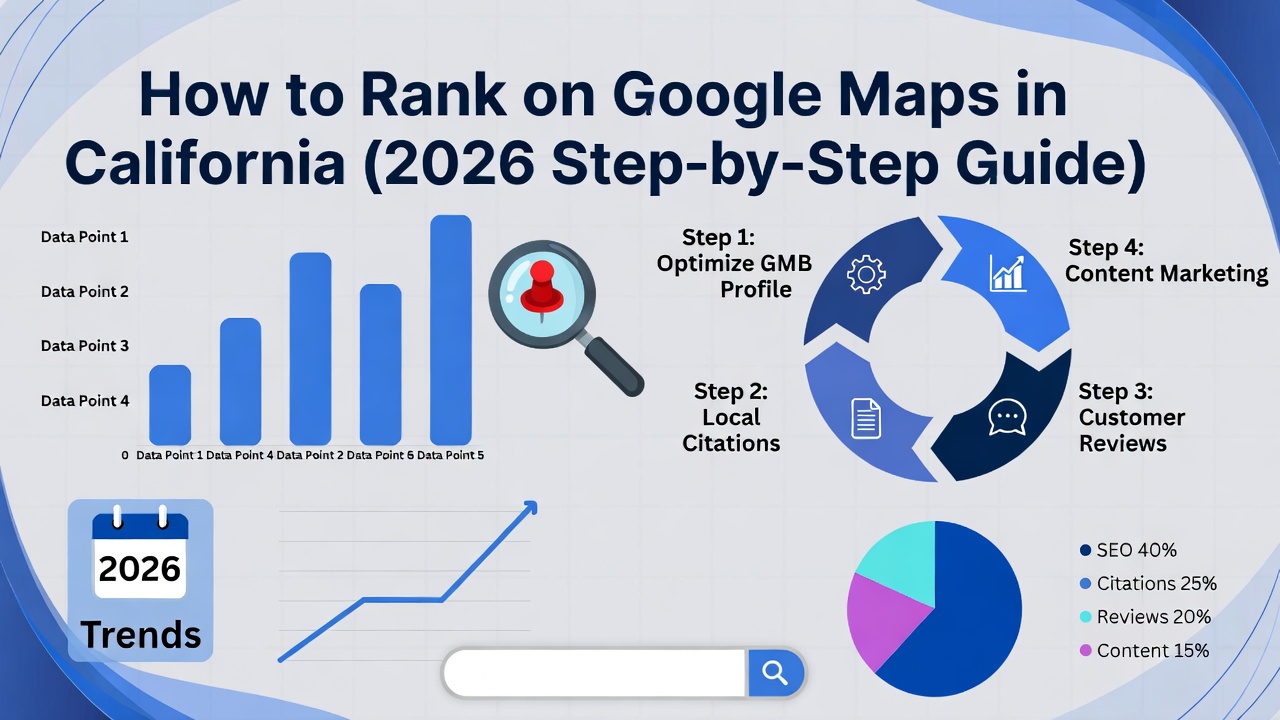
Ranking on Google Maps in California is one of the most powerful ways to generate high-intent local leads. In competitive cities like Los Angeles, San Diego, San Jose, and San Francisco, businesses that appear in the Google Maps 3-Pack capture the majority of clicks, calls, and direction requests.
In 2026, Google Maps rankings are influenced by AI, proximity, relevance, trust signals, and real user behavior. This guide breaks down exactly how California businesses can rank higher on Google Maps, even in crowded local markets.
Step 1: Perfect Your Google Business Profile Setup
Your Google Business Profile (GBP) is the foundation of Google Maps SEO.
Essential setup checklist:
Use your real business name (no keyword stuffing)
Choose the most accurate primary category
Add relevant secondary categories
Enter a valid California address or service area
Add correct business hours
Verify your listing
Google prioritizes complete and accurate profiles when ranking businesses on Maps.
Step 2: Optimize Your Business Description for California Searches
Your business description helps Google understand what you do and where you operate.
Best practices:
Write 700–750 characters
Mention your core services
Include California cities or regions naturally
Use customer-focused language
Avoid promotional spam
Example keyword usage:
“We provide professional web design and SEO services for businesses across California, including Los Angeles, San Diego, and the Bay Area.”
This helps your profile appear for location-based searches.
Step 3: Select the Right Categories (This Impacts Rankings)
Your primary category has a major impact on Maps rankings.
Tips:
Choose the category that best describes your main service
Do not guess — research competitors ranking in California
Add secondary categories only if relevant
Wrong categories can prevent your business from ranking, even with good reviews.
Step 4: Add High-Quality, Location-Based Photos
Photos are a strong engagement and trust signal.
What to upload regularly:
Office or workspace photos
Team photos
Project screenshots
Local branding visuals
Real, original images (not stock)
Google favors businesses that consistently update visual content, especially in competitive California locations.
Step 5: Get More Reviews from California Customers
Reviews are one of the strongest Google Maps ranking factors.
Review strategy for 2026:
Ask every satisfied California client for a review
Encourage detailed, natural feedback
Respond to all reviews professionally
Keep reviews fresh and consistent
Businesses with frequent, positive reviews tend to dominate Google Maps results.
Step 6: Use Local Keywords in GBP Features
Beyond the description, add keywords to:
Services section
Products section (if applicable)
Google Posts
Q&A section
Use natural California-focused keywords, not spammy phrases.
This improves relevance for local searches.
Step 7: Ensure NAP Consistency Across the Web
NAP = Name, Address, Phone Number.
Your NAP information must be identical across:
Google Business Profile
Website
Directories
Social profiles
Inconsistent information confuses Google and weakens Maps rankings.
Step 8: Build Local Citations in California Directories
Citations help validate your business location and legitimacy.
High-value citation sources:
Yelp
Bing Places
Apple Maps
YellowPages
Better Business Bureau
California business directories
Local chamber of commerce websites
Accurate citations strengthen your Maps authority.
Step 9: Optimize Your Website for Local Maps SEO
Google Maps rankings are connected to your website quality.
Website optimization tips:
Add location pages for California cities
Embed Google Maps on contact pages
Use local schema markup
Ensure fast loading speed
Optimize for mobile users
Your website reinforces the credibility of your Maps listing.
Step 10: Add Local SEO Schema Markup
Schema helps Google understand your business data clearly.
Recommended schema:
LocalBusiness
Organization
Service
Review
FAQ
Schema improves visibility in Maps, AI results, and rich snippets.
Step 11: Post Regular Google Updates
Google Posts signal activity and relevance.
Post:
Offers
Blog updates
Service announcements
Helpful tips
Businesses that post consistently tend to rank higher in California Maps results.
Step 12: Increase Engagement Signals
Google measures how users interact with your listing.
Important engagement signals:
Calls
Website clicks
Direction requests
Photo views
Encourage users to interact with your profile by keeping it informative and up to date.
Step 13: Earn California-Based Backlinks
Backlinks from California websites strengthen local authority.
Examples:
Local blogs
News websites
Industry associations
Partner websites
Local backlinks help your business stand out in competitive regions.
Step 14: Track & Improve Your Google Maps Performance
Monitor:
Maps impressions
Calls and direction requests
Keyword visibility
User actions
Use data to refine your strategy and improve rankings consistently.
Final Thoughts
Ranking on Google Maps in California requires more than just setting up a profile. In 2026, success depends on local relevance, trust signals, engagement, and consistency.
By following this step-by-step Google Maps SEO guide, California businesses can:
Improve local visibility
Attract high-intent customers
Generate more calls and leads
Stay competitive in crowded markets
Google Maps is no longer optional — it’s a core growth channel for local businesses in California.