
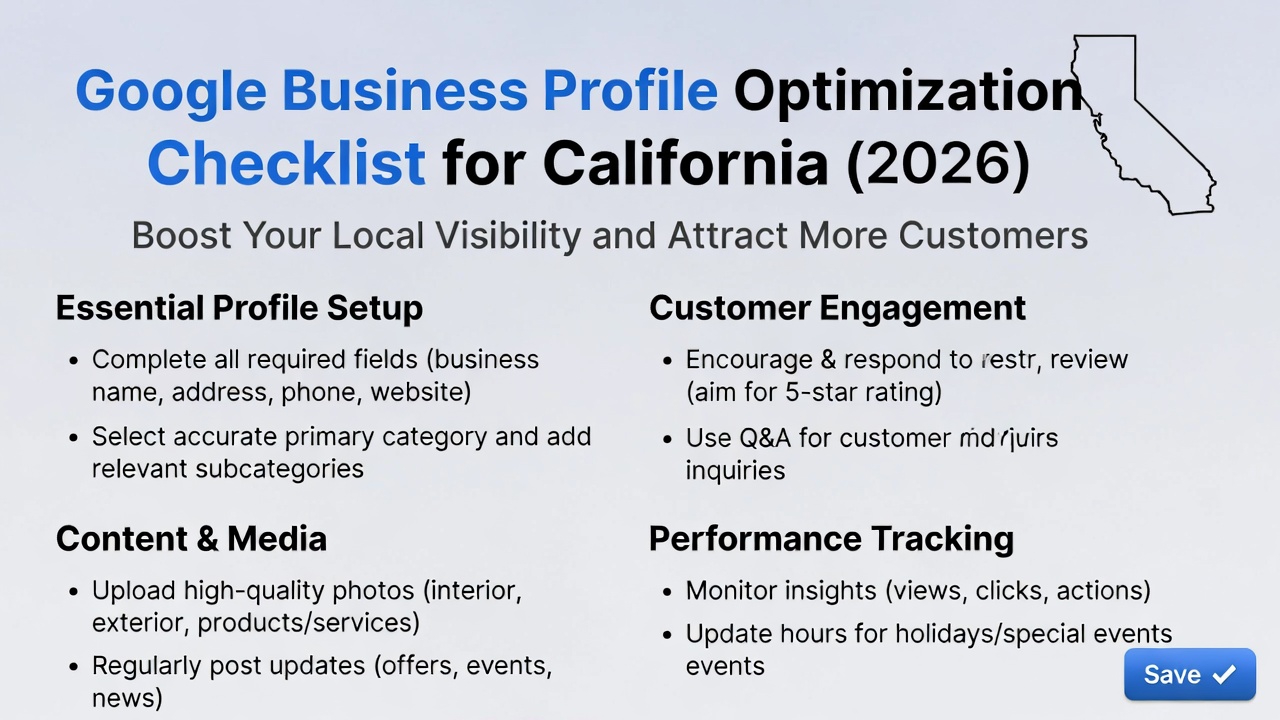
Your Google Business Profile (GBP) is no longer just a listing — in 2026, it is one of the most powerful local SEO assets for California businesses. With AI-powered search results, voice queries, and Google Maps dominating local discovery, a fully optimized profile can generate consistent calls, leads, and visits.
For businesses competing in California markets like Los Angeles, San Diego, San Jose, and San Francisco, proper Google Business Profile optimization can be the difference between being invisible and ranking in the top 3 map results.
This guide provides a step-by-step Google Business Profile optimization checklist designed specifically for California businesses in 2026.
Why Google Business Profile Matters More in 2026
Google uses your GBP as a primary data source for:
Google Maps rankings
“Near me” searches
AI-generated local answers
Voice search results
In competitive California regions, Google prioritizes businesses that show:
Accurate information
Local relevance
Trust and engagement
Ongoing activity
An optimized profile improves visibility, credibility, and conversions.
Step 1: Complete Every Section of Your Profile
Incomplete profiles rarely rank well.
Required details:
Business name (real, no keywords)
Primary category
Secondary categories
Address or service areas
Phone number
Website URL
Business hours
Consistency with your website and directories is critical.
Step 2: Choose the Right Primary Category
Your primary category is one of the strongest ranking factors.
Tips:
Choose the category that best describes your main service
Research top-ranking California competitors
Avoid using unrelated or broad categories
Secondary categories should only support your core offering.
Step 3: Write a California-Optimized Business Description
Your business description helps Google understand who you serve and where.
Best practices:
Use 700–750 characters
Mention your main services
Include California cities or regions naturally
Focus on value, not promotions
Example:
“We provide professional digital marketing and SEO services for businesses across California, including Los Angeles, San Diego, and the Bay Area.”
Step 4: Define Your Service Areas Clearly
For service-based businesses, service areas are essential.
Tips:
Add multiple California cities
Avoid adding areas you don’t serve
Keep service areas realistic and relevant
This helps Google match your profile to local searches.
Step 5: Upload High-Quality, Original Photos
Photos increase trust and engagement.
Upload:
Office or workspace images
Team photos
Project examples
Local branding visuals
Businesses with frequent photo updates tend to rank higher in Google Maps.
Step 6: Add Services & Products with Keywords
Use the Services and Products sections to reinforce relevance.
Include:
Service names
Short descriptions
Natural California-based keywords
This strengthens your profile’s topical authority.
Step 7: Publish Google Posts Weekly
Google Posts signal activity and freshness.
Post content such as:
Service updates
Blog highlights
Offers or promotions
Helpful tips
Consistent posting improves engagement and rankings.
Step 8: Collect & Manage Reviews Strategically
Reviews are one of the strongest trust signals.
Review optimization tips:
Ask satisfied California customers for reviews
Encourage detailed feedback
Respond to every review
Avoid fake or incentivized reviews
High-quality, recent reviews improve both rankings and conversions.
Step 9: Optimize the Q&A Section
The Q&A section is often overlooked.
Best practices:
Add common customer questions yourself
Answer clearly and professionally
Include natural keywords where relevant
This improves visibility for voice and AI search queries.
Step 10: Maintain NAP Consistency Across the Web
NAP consistency strengthens local trust.
Ensure your:
Business name
Address
Phone number
match exactly across:
Your website
Google Business Profile
Directories
Social media profiles
Step 11: Enable Messaging & Calls
User interaction matters.
Enable:
Messaging
Call buttons
Appointment links (if applicable)
Higher engagement signals improve local rankings.
Step 12: Track Insights & Improve Continuously
Use GBP Insights to monitor:
Searches
Views
Calls
Direction requests
Website clicks
Adjust your strategy based on performance data.
Common Google Business Profile Mistakes to Avoid
❌ Keyword stuffing in business name
❌ Ignoring reviews
❌ Outdated hours or contact info
❌ Low-quality images
❌ Inactive profiles
Avoiding these mistakes helps protect your rankings.
Final Thoughts
Google Business Profile optimization is non-negotiable for California businesses in 2026.
By following this checklist, you can:
Rank higher in Google Maps
Increase local visibility
Attract high-intent California customers
Compete effectively in crowded markets
A well-optimized GBP builds trust, authority, and long-term growth.